MX Player icon
Tools

MX Player

by Amazon Mobile LLC

Powerful video player with advanced hardware acceleration and subtitle supports

4.2Rating
N/AReviews
1,000,000,000+Downloads

Overview

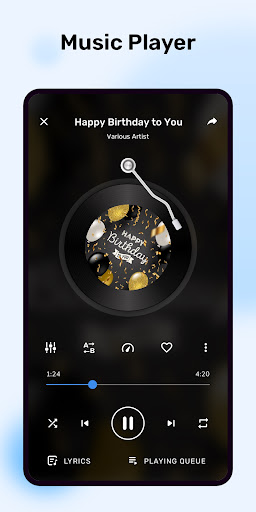
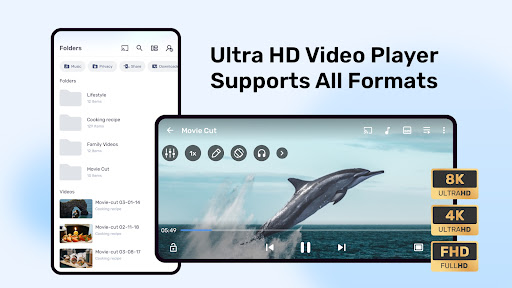
MX Player by Amazon Mobile LLC is a robust video player designed to elevate your media viewing experience on Android devices. Equipped with advanced hardware acceleration, it ensures smooth playback even for high-definition videos. MX Player supports a wide range of subtitle formats, making it perfect for international content lovers. Its intuitive interface allows seamless navigation and easy control over playback settings. Whether you’re watching movies, TV shows, or personal videos, MX Player offers customizable options like gesture controls and subtitle synchronization. Trusted by millions, this app combines powerful performance with user-friendly features, making it an essential tool for any video enthusiast seeking high-quality playback and enhanced viewing convenience on their Android device.
Why people like it

  • Advanced hardware acceleration for smooth video playback
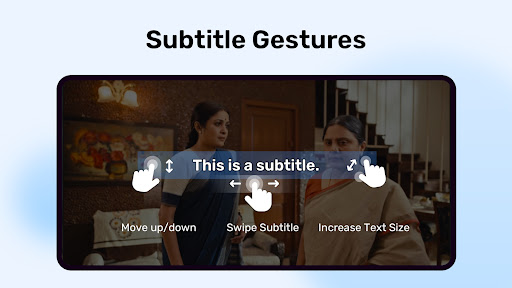
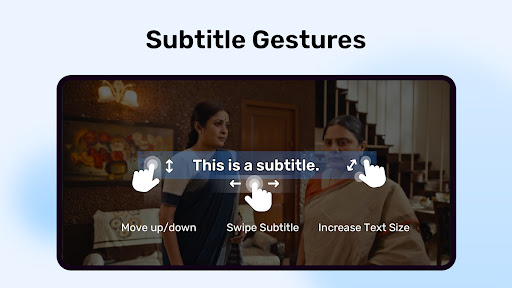
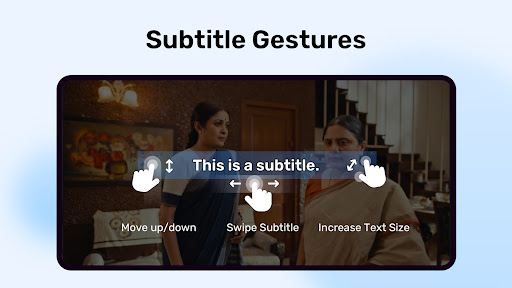
  • Supports multiple subtitle formats including SRT, SUB, and SSA
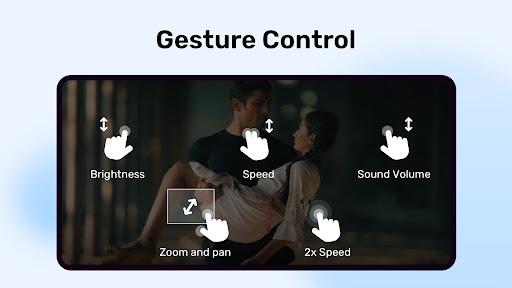
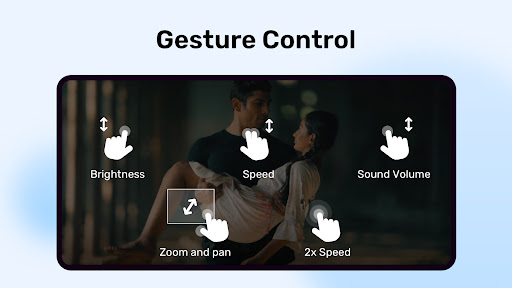
  • Gesture controls for volume, brightness, and seeking
  • Pinch to zoom and pan videos during playback
  • Multi-core decoding for faster and efficient video processing
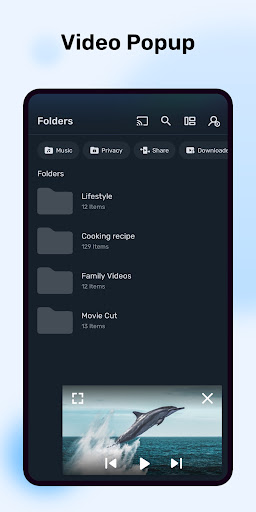
  • Background play and pop-up window mode for multitasking

Screenshots

Gallery row for the app detail page.

MX Player screenshot

Short review

MX Player is a solid choice in the Tools category. It offers a polished experience, clean presentation, and a direct Play Store download link for users who want trusted listings.

FAQ

Does MX Player support all video formats?

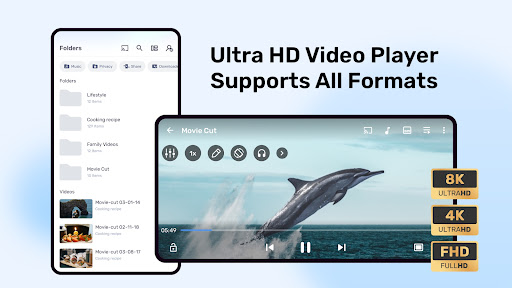
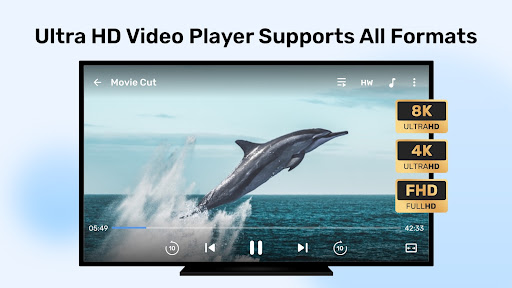
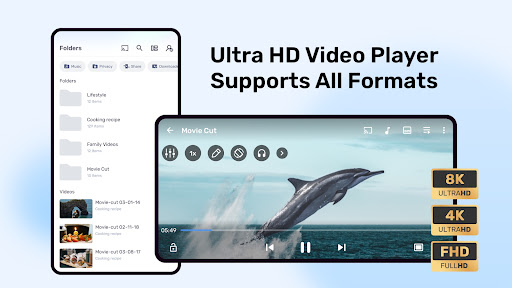
MX Player supports most popular video formats, but some uncommon formats may require additional codecs.

Can I customize subtitle appearance?

Yes, MX Player allows you to adjust subtitle font, size, color, and synchronization for an optimal viewing experience.

Is hardware acceleration enabled by default?

Hardware acceleration is enabled by default to ensure smooth playback, but you can toggle it in the settings if needed.

Does MX Player support background playback?

Yes, MX Player offers background play and pop-up window modes, allowing you to multitask while watching videos.