Google Keep - Notes and lists icon
Tools

Google Keep - Notes and lists

by Google LLC

Google Keep

4.7Rating
N/AReviews
1,000,000,000+Downloads

Overview

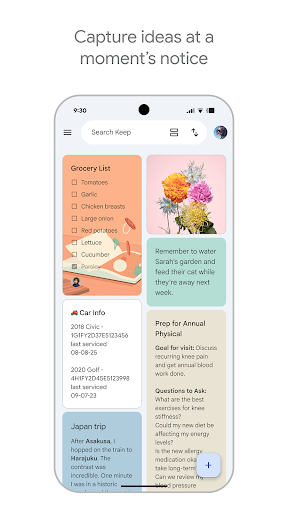
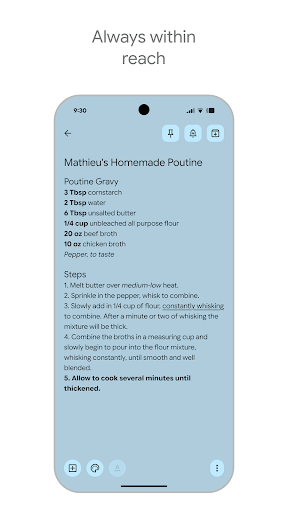
Google Keep by Google LLC is a versatile productivity app designed to simplify note-taking and organization on your Android device. Whether you need to jot down quick thoughts, create detailed to-do lists, or save voice memos, Google Keep offers a seamless experience with its intuitive interface and powerful syncing capabilities. With real-time collaboration, you can share your notes and lists with friends, family, or colleagues, making teamwork effortless. The app integrates smoothly with other Google services, ensuring your information is accessible across devices. Perfect for students, professionals, and anyone looking to stay organized, Google Keep combines simplicity with functionality to help you capture ideas and stay productive throughout your day.
Why people like it

  • Create and organize notes, lists, and voice memos quickly
  • Real-time collaboration for sharing and editing notes with others
  • Color-coded notes and labels to categorize your content easily
  • Reminders with time and location-based triggers to keep you on track
  • Seamless sync across all your devices via Google account
  • Integration with Google Docs and Google Assistant for enhanced productivity

Screenshots

Gallery row for the app detail page.

Google Keep - Notes and lists screenshot

Short review

Google Keep - Notes and lists is a solid choice in the Tools category. It offers a polished experience, clean presentation, and a direct Play Store download link for users who want trusted listings.

FAQ

Can I use Google Keep offline?

Yes, you can create and edit notes offline, and they will sync automatically once your device reconnects to the internet.

Is Google Keep free to use?

Google Keep is completely free with no subscription fees or in-app purchases.

How do I share notes with others?

You can share notes by adding collaborators through the note’s sharing option, allowing others to view and edit in real time.

Can Google Keep reminders be location-based?

Yes, you can set reminders that trigger based on your location, such as when you arrive at or leave a specific place.